OKX is one of the larger crypto exchanges by volume, with solid liquidity across spot and futures. Freya connects to OKX and runs live DCA and signal bots on it, so you can automate a strategy on your own OKX account instead of watching the market by hand.
This guide covers what you can automate on OKX through Freya, why your trading capital stays in your exchange account, and how to get a first bot running.
Key Takeaways
- Freya runs live DCA and signal bots on OKX, on both spot and futures.
- Freya is a registered OKX broker, so you can connect with one approval on OKX. The bot needs only read and trade permissions. Create the key without withdrawal permission: Freya does not accept keys that allow withdrawals.
- OKX pairs a competitive maker fee with deep spot and futures books, so bot orders fill close to the expected price.
- Your trading capital stays in your exchange account. Freya never holds your capital.
- The Free plan runs a live OKX bot with real orders, so you can see the whole flow before paying anything.
How an OKX trading bot works on Freya
An OKX trading bot on Freya runs on your own OKX account and places orders by the rules you set. A DCA bot opens a position, adds safety orders if the price moves against it and closes the position at your take profit. A signal bot trades when a webhook signal arrives. You can stop either bot at any time.
| Bot | What it does | On Freya |
|---|---|---|
| DCA bot | Opens a position, adds safety orders at the distances you set and exits at your take profit | Available |
| Signal bot | Opens and closes trades when a webhook signal arrives | Available |
| Grid bot | Buys and sells repeatedly inside a price range | Coming soon |
| Paper trading | Simulated orders on live prices | Not offered; test with a backtest instead |
Built-in exchange bots run inside OKX; Freya runs your rules across Binance, Bybit and OKX from one dashboard, with backtesting first.
Why run a bot on OKX
OKX gives a bot a deep book to work with across spot and futures, and a competitive maker fee that adds up over the many orders a DCA bot places. Good fills matter more than they sound: a safety order or a take profit that slips away from its level quietly changes the strategy you tested into a different one. More depth means less of that drift.
Freya supports DCA bots and signal bots on OKX, on both spot and futures markets. A DCA bot averages into a position as the market moves against it; a signal bot opens and closes trades when a webhook signal arrives, for example an alert from your charting tool or a message from your own script. How to design those signals is covered in the signal bot strategy guide.
Connecting OKX to Freya
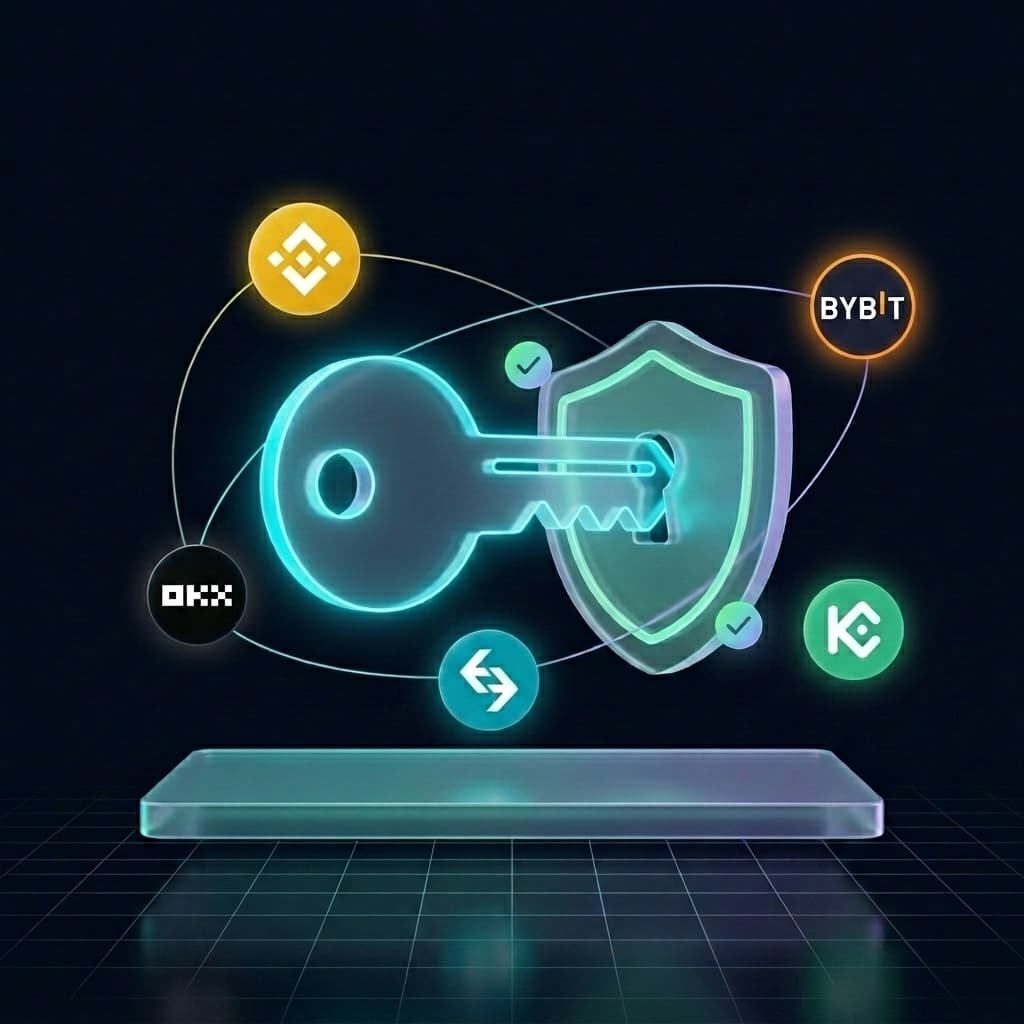
Freya is a registered OKX broker, so the quickest route is Fast Connection: you approve Freya on OKX's own screen, and OKX creates the key inside your account and delivers it to Freya. You never copy a secret, invent a passphrase or choose permissions, and one approval sets up both spot and futures. The whole flow, including what it changes on your OKX account, is in Fast Connection to OKX.
If you prefer, you can still create the key yourself in your OKX account, grant it read and trade permission only, and add it with the passphrase you set.
Create the key without withdrawal permission: Freya does not accept keys that allow withdrawals. You can confirm the restriction yourself in your OKX API settings. Step by step: How to connect your exchange and managing your exchange API keys.
Your trading capital stays in your OKX account
Your trading capital stays in your exchange account, and the bot only ever reads market data and places trades. The bot needs only read and trade permissions. Why a key limited to read and trade is a stronger guarantee than a promise is covered in Is My Money Safe on Freya Finance?.
How to set up a DCA bot on OKX
- Connect OKX in one click: in Freya open Settings → API Keys → Add API Key, pick OKX and select Connect with OKX, then approve on OKX's own screen with your main account. Only global OKX accounts can connect; regional platforms such as OKX TR cannot connect today.
- Create a DCA bot: start a new bot, choose the DCA bot type and pick the OKX pair. How to create your first DCA bot walks through every screen. New to the strategy? Read the DCA bot strategy guide first.
- Choose the entry: open the first order immediately, or wait for an indicator condition under Entry Conditions.
- Build the Grid of Orders: give each safety order its own Distance % and Volume %, instead of step-scale and volume-scale multipliers. Entry orders and the grid explains the spacing, and the safety order calculator helps you estimate the capital a full ladder can need.
- Set the exit: a Take Profit measured from your average entry price, and an optional Stop Loss.
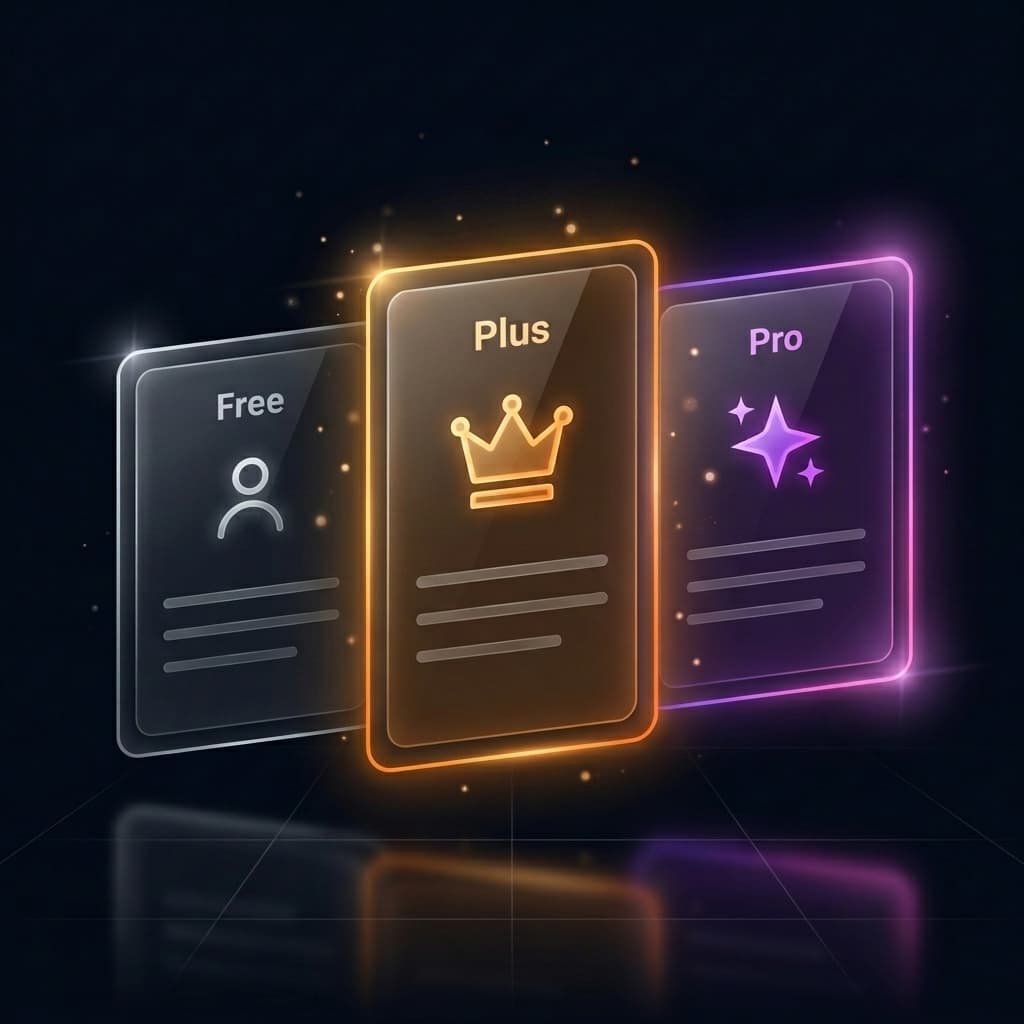
- Backtest it in Freya's own backtest engine before real money is on the line: 4 backtests a month on Free, 20 on Plus and unlimited on Pro. Freya has no paper trading.
- Start the bot: orders execute on your own OKX account, and you can stop the bot at any time.
If you are still deciding how automated trading fits your approach, the complete guide to crypto trading bots is the place to start.
Automated trading carries risk. A bot follows the rules you give it, including the bad ones, and no strategy removes the possibility of loss. Nothing here is financial advice, and past or simulated performance does not predict future results.
Frequently Asked Questions
How do I connect a trading bot to OKX?
The quickest way is Fast Connection: in Freya, open Settings → API Keys → Add API Key, pick OKX and select Connect with OKX, then approve on OKX's own screen. OKX creates the key and delivers it to Freya. You can also create a key by hand in your OKX account with read and trade permission only and add it with its passphrase. Either way, the bot needs only read and trade permissions. Details: Fast Connection to OKX.
Do I need a passphrase to connect OKX?
Only for a key you create by hand. OKX API keys always have a passphrase: on a manual key you set it yourself and enter it in Freya, while with Fast Connection Freya sets it for you and there is nothing to enter.
Is the OKX bot free?
The Free plan runs a live OKX bot with real orders, and every plan allows unlimited bots. On the Free plan, Freya's only charge is the performance fee: 20% of the gross profit of each closed profitable trade, capped at 40 USDT per month; nothing is charged on a losing trade. OKX's own trading fees apply as usual: see OKX fees and markets and Freya plans and fees.
Does the OKX bot work on spot and futures?
Yes. Freya runs DCA and signal bots on both OKX spot and futures.
Can I run a DCA bot on OKX with Freya?
Yes. Connect OKX with Fast Connection, create a DCA bot on an OKX pair, give each safety order its own Distance % and Volume %, backtest it, then start it. Orders run in your own OKX account.
Which OKX accounts can connect to Freya?
Only global OKX accounts. Regional platforms such as OKX TR cannot connect today. Fast Connection is meant for your main OKX account; for a sub-account, create a key inside that sub-account and use Manual Connection.
Can the bot withdraw funds from my OKX account?
No. The bot needs only read and trade permissions. Create the key without withdrawal permission: Freya does not accept keys that allow withdrawals. Your trading capital stays in your exchange account.
Related Reading
- Complete Guide to Crypto Trading Bots
- Bybit Trading Bot: Connect Without Copying API Keys
- Fast Connection to OKX
- How to Connect Your Exchange to Freya
- DCA Bot Strategy Guide
- Binance trading bot: run DCA and signal bots on Binance