Binance is one of the largest crypto exchanges by trading volume, and that makes it a natural place to automate a strategy. Deep liquidity and tight spreads mean a bot's orders fill close to the price you expect, which is exactly what matters when a DCA bot places safety orders or a take profit needs to execute. Freya connects to Binance and runs live DCA and signal bots on it, on both spot and futures.
A Binance DCA bot opens a position on a Binance pair, buys more at set distances as the price falls, and closes the position at a take profit measured from the average entry. On Freya you run it on your own global Binance account with an API key you create; Freya does not accept API keys that allow withdrawals.
This guide covers how to connect Binance, how to set up a Binance DCA bot step by step, how spot and futures bots differ, which Binance accounts can connect and where your trading capital stays.
Key Takeaways
- Freya runs live DCA and signal bots on Binance, on both spot and futures.
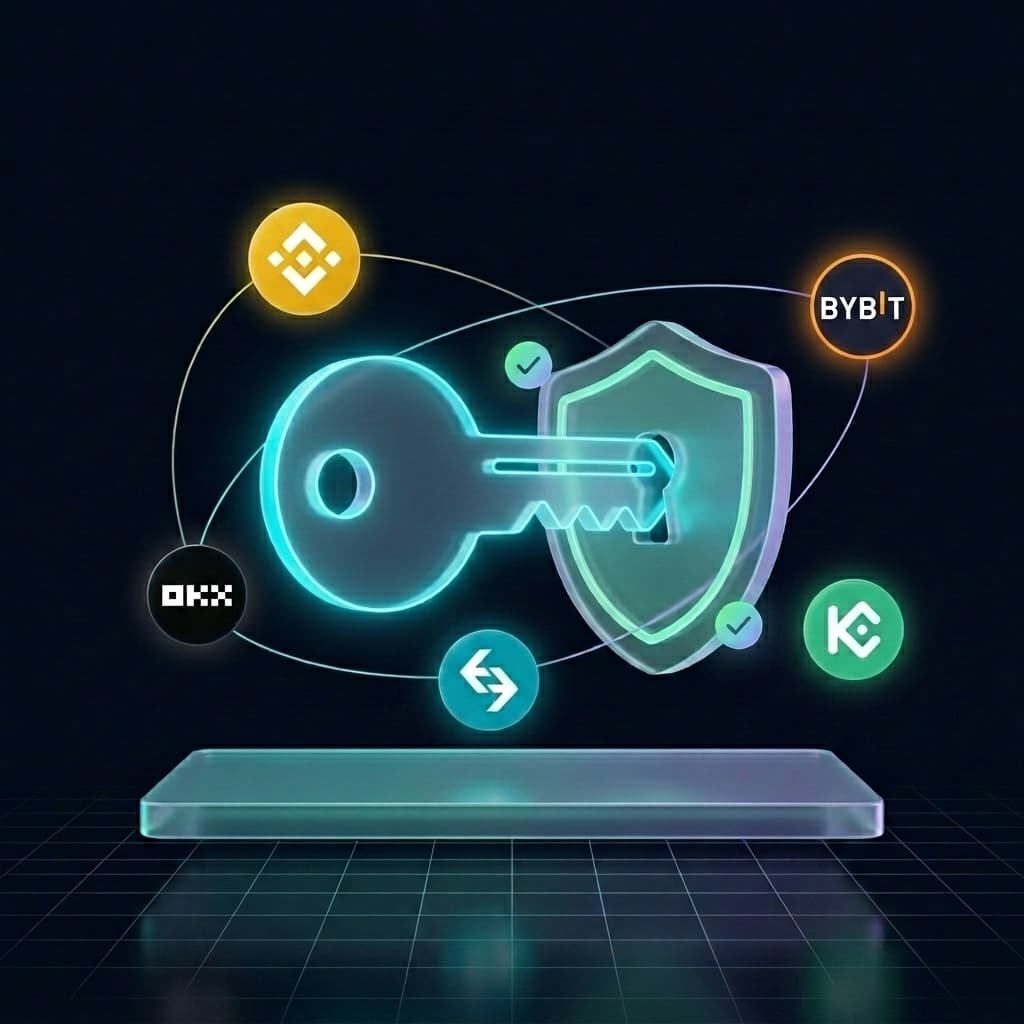
- You connect Binance with an API key you create: read and trade permission only, restricted to Freya's IP address. Freya does not accept API keys that allow withdrawals.
- Only global Binance accounts connect. Binance TR, Binance US and Binance Japan accounts cannot.
- Futures bots need the key's futures permission and run in hedge mode, so a long bot and a short bot can trade the same pair.
- Your trading capital stays in your exchange account; Freya places orders through the exchange API. Fees and subscriptions come from a separate Freya platform balance in USDT.
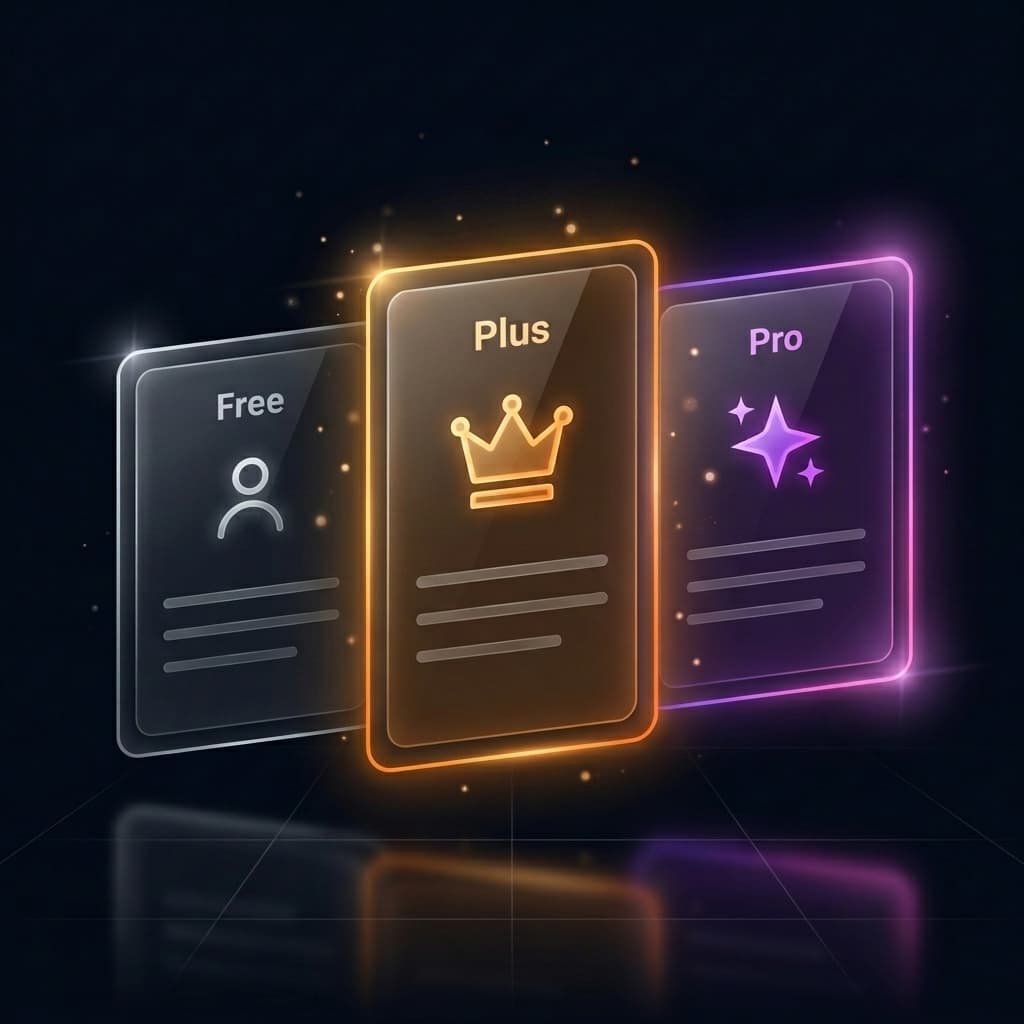
- The Free plan runs a live Binance bot with real orders. On every plan, Freya takes 20% of the gross profit of each closed profitable trade, capped at 40 USDT a month.
Why run a bot on Binance
The case for Binance is mostly about the order book. A bot is only as good as its fills, and on a thin market a DCA safety order or a take profit can slip well away from the level you planned. Binance's depth and wide pair selection reduce that slippage, so the strategy you backtested behaves more like the one that runs live.
Freya supports DCA bots and signal bots on Binance, on both spot and futures markets. That covers two common ways to automate: averaging into a position as the market moves, and trading on webhook signals from your charting tool or your own script. A signal bot opens trades only on webhook signals; the signal bot setup guide shows how to create one.
Connecting Binance to Freya
Binance connects with an API key that you create. Unlike Bybit, which connects in one click (you approve on Bybit's site and Bybit creates the key), on Binance you create the key in your own Binance account and give it two permissions: read and trade. Nothing else. If you plan to run futures bots, also turn on the key's futures permission.
Restrict the key to Freya's IP address. Freya rejects a Binance key that has no IP restriction and shows you how to fix it. Freya does not accept API keys that allow withdrawals either: the key's permissions are checked when you connect it. Step by step: How to connect your exchange and managing your exchange API keys.
Your trading capital stays in your Binance account
Your trading capital stays in your exchange account; Freya places orders through the exchange API. Fees and subscriptions come from a separate Freya platform balance in USDT, explained in your platform balance and transactions.
The key needs only read and trade permission, plus futures if you run futures bots. You can check its permissions yourself in your Binance API settings at any time, and delete the key there if you stop using it.
How to set up a Binance DCA bot (step by step)
- Create a Binance API key: in your global Binance account, create an API key with read and trade permission only, add the futures permission if you want a futures bot, leave withdrawals off and restrict the key to Freya's IP address, which Freya shows when you add the key. Binance connects with an API key you create; Bybit and OKX connect in one click.
- Add the key to Freya: open Settings → API Keys → Add API Key, pick Binance and add the key and secret on the Manual Connection tab.
- Create a DCA bot: start a new bot, choose the DCA bot type, pick spot or futures, the Binance pair and the direction. How to create your first DCA bot walks through every screen. New to the strategy? Read about DCA bot settings first.
- Build the Grid of Orders: set how far from the entry each safety order sits and how large it is; a ladder can hold up to 40 orders. Entry orders and the grid explains the spacing, and the safety order calculator helps you estimate the capital a full ladder can need.
- Set the exit: a Take Profit measured from your average entry price, and an optional Stop Loss. Both are recalculated after each safety order fills. Freya watches the stop loss itself and closes the position with a market order when it is hit.
- Backtest it in Freya's own backtest engine: 4, 20 or unlimited backtests a month, depending on your plan. Freya has no paper trading or demo mode.
- Start the bot: orders execute on your own Binance account, and you can stop the bot at any time.
If you are new to bots, start with crypto trading bots for beginners: how they work, what they cost and a 7-step plan for a first bot.
Binance spot or futures DCA bot
A Binance DCA bot on Freya can trade spot or futures, long or short. Each bot has one direction, and the choice between spot and futures decides whether leverage and liquidation are part of the risk.
| Spot DCA bot | Futures DCA bot | |
|---|---|---|
| What it trades | The coin itself, with your own capital | Futures contracts, with leverage |
| Directions | Long, or Sell: it sells coins you already hold, with no margin borrowing | Long or short; hedge mode lets a long bot and a short bot share a pair |
| Leverage | None | Within the range Binance sets for the pair |
| Liquidation risk | None | Yes |
| API key permission | Read and trade | Read and trade, plus futures |
| Backtest | Fees and slippage are modelled | Also models isolated-margin liquidation |
Spot is the simpler start: nothing can be liquidated, and the worst case is the coin's price falling.
Futures adds leverage, which makes gains and losses larger and brings liquidation risk: if the price moves far enough against the position, the exchange closes it (how liquidation works). Hedge mode is what lets a long bot and a short bot share a pair (hedge mode explained). Because Freya's futures backtests model isolated-margin liquidation, test the leverage and the ladder together before you start. Spot vs futures on Freya compares the two in more detail.
Which Binance accounts can connect
Only global Binance accounts connect. Binance TR, Binance US and Binance Japan accounts cannot. The reason is simple: Freya connects only to the exchanges' global API endpoints. The same rule applies on Bybit and OKX, where Bybit EU, Bybit TR and OKX TR accounts cannot connect either.
Automated trading carries risk. A bot follows the rules you give it, including the bad ones, and no strategy removes the possibility of loss. Nothing here is financial advice, and past or simulated performance does not predict future results.
Frequently Asked Questions
What is a Binance DCA bot?
A Binance DCA bot opens a position on a Binance pair, adds safety orders at set distances if the price moves against it, and closes the whole position at a take profit measured from the average entry price. On Freya it runs on your own global Binance account, on spot or futures, long or short.
How do I connect a trading bot to Binance?
Create an API key in your global Binance account with read and trade permission only, restrict it to Freya's IP address, then add it to Freya under Settings, API Keys, Add API Key. Freya rejects a Binance key without an IP restriction, and it does not accept API keys that allow withdrawals.
How do I set up a DCA bot on Binance with Freya?
Create an API key in your global Binance account with read and trade permission only and restrict it to Freya's IP address, add it to Freya, create a DCA bot on a Binance pair, set the distance and size of each safety order and the take profit, backtest it and start it. Orders run in your own Binance account.
Can I run a DCA bot on Binance futures?
Yes. Turn on the futures permission on your Binance API key, then create a DCA bot on a futures pair and choose long or short. Futures bots run in hedge mode, so a long bot and a short bot can share a pair. Binance sets the leverage range, and leverage adds liquidation risk; Freya's futures backtests model isolated-margin liquidation.
Does Freya's Binance bot work on spot and futures?
Yes. Freya runs DCA and signal bots on both Binance spot and futures.
Which types of bots can I run on Binance?
DCA bots, which average into a position with safety orders, and signal bots, which open trades only on webhook signals. A grid bot is coming soon.
Is the Binance bot free?
The Free plan runs a live Binance bot with real orders, and every plan allows unlimited bots. On every plan, including Free, Freya takes 20% of the gross profit of each closed profitable trade, capped at 40 USDT a month; nothing is charged on a losing trade. Plus costs 15 USDT and Pro 30 USDT a month. Binance's own trading fees apply as usual: see Binance fees and markets and Freya plans and fees.
Can I connect a Binance US or Binance TR account?
No. Only global Binance accounts connect; Binance TR, Binance US and Binance Japan accounts cannot.
Can the bot withdraw funds from my Binance account?
Freya does not accept API keys that allow withdrawals: the key is checked when you connect it. Create it with read and trade permission only. Your trading capital stays in your exchange account; Freya places orders through the exchange API, and fees and subscriptions come from a separate Freya platform balance in USDT.
Related Reading
- Crypto trading bots for beginners: the complete guide
- Bybit Trading Bot: Connect Without Copying API Keys
- How to Connect Your Exchange to Freya
- DCA Bot Strategy Guide
- What the Free plan includes, and the 20% performance fee
- Long and short strategies for futures bots
- OKX trading bot: run DCA and signal bots on OKX